
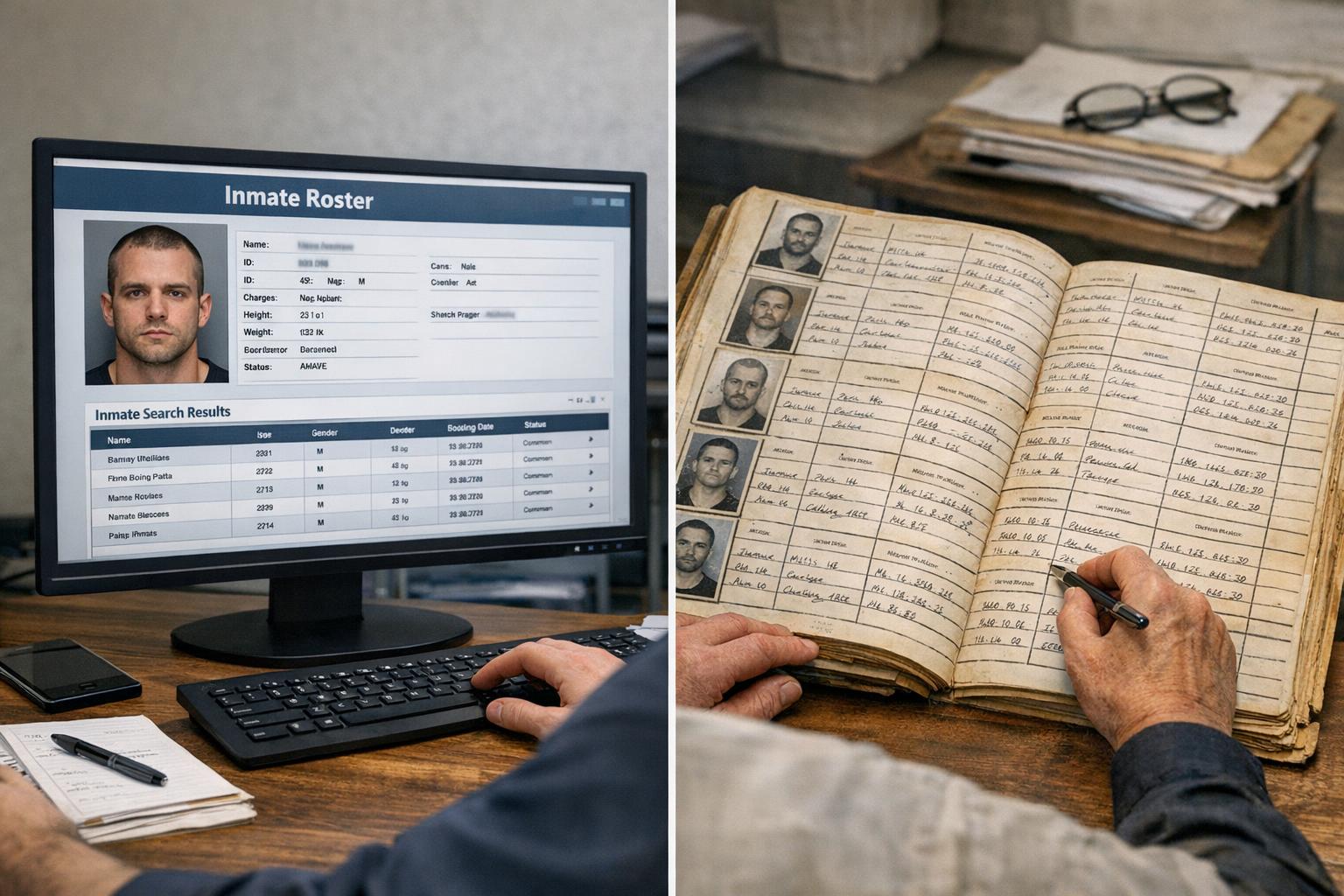
Agencies and vendors sell different promises: faster lookups, cleaner export formats, broader coverage. Mostly, what matters to staff and family is whether the data is accurate, how fast it shows up, and how easy it is to use day to day. That’s where a practical inmate roster comparison becomes useful — not hype, but a side-by-side view of how systems handle real tasks.
## Inmate Roster Comparison: What To Measure First
Pick half a dozen things you actually care about. For a working comparison, I start with accuracy, update cadence, search flexibility, export options, and audit trails. Those five reveal whether a product helps staff or just creates another screen to stare at.
Accuracy is obvious: if the listed facility, housing unit, or release date is wrong, the tool is harmful. Update cadence matters because a roster that refreshes every day is useless during an intake surge. Search flexibility is more subtle — does the system support partial names, aliases, or DOB range searches? Export options decide whether records can be used in incident reports or public records requests without painful copy-paste. Audit trails show who changed what and when; that’s non-negotiable for compliance.
### Practical Field Tests To Run
Run tests that mimic real use. Don’t rely on demo data.
– Add an intake and track how the roster displays that person across systems.
– Change housing and see if locator views update within the expected window.
– Run fuzzy-name searches using typos and common nicknames.
– Export the roster to CSV and open it in Excel to check column consistency.
These tests catch mismatches that a static feature list hides. When vendors promise “real-time sync,” verify with a timestamped action.
### Why The Difference Between A Locator And Records System Matters
Locator systems are built for quick lookup: find someone fast, get location and status. Records systems manage legal documentation, history, and sensitive fields like charges and legal holds. Comparing them is like comparing a map to a filing cabinet. Both are useful, but conflating the two causes trouble.
A locator that prioritizes speed might not show sealed records or detailed transaction history. A records system that prioritizes legal completeness might be slower or harder to use in an emergency. A good inmate roster comparison highlights where each system’s strengths and weaknesses intersect, so procurement teams can design workflows that leverage both.
## Real-World Metrics That Shouldn’t Be Overlooked
Data refresh intervals and error rates are numbers people tend to glaze over. Don’t. Ask for real statistics from the vendor: mean time to update after an intake, percentage of records with missing fields, and the average time for the system to return search results under load.
Another key metric is the number of manual corrections required per month. If staff are spending hours reconciling the roster with paperwork, that’s a hidden labor cost. Also track how often the roster returns duplicate entries. Duplication is a poster-child problem for downstream reporting errors.
### How User Interface Choices Affect Accuracy
Simple interfaces encourage consistent data entry. Drop-downs for housing units and charge codes reduce typos. Free-text fields increase flexibility but also increase mistakes. An effective inmate roster comparison examines field-level controls: which fields are structured, which allow free text, and how required fields are enforced.
A concrete example: one county’s locator system allowed free-text for “release destination,” which led to dozens of variants for the same destination in exports (“Family Home,” “Fam Home,” “Fml Home”). That made automated reporting fail. Tightening that field to a controlled list reduced reconciliation time by 70%.
### Security And Access Controls Aren’t Optional
Compare role-based access and session logging. Who can edit custody status? Who can only view? Look for granular controls — not just “admin” and “user.” The ability to restrict visibility at the field level (for example, concealing sealed charges) matters for both privacy and legal compliance.
Systems that lack decent audit trails make it hard to resolve disputes. In the context of an inmate roster comparison, prioritize systems that timestamp edits and record the editor’s identity. Without that, you’re guessing when conflicts appear.
## Evaluating Integration And Data Flow
Integration determines whether the roster will be a single source of truth or a fragment. Ask vendors how they ingest booking data, whether via API, SFTP batch, or manual upload. Also ask about data mapping rules and error handling. How are mismatched records flagged?
### Testing Data Integrity Across Systems
Set up a test where a booking record propogates through to the locator, the records system, and any public-facing roster. Track these things: initial ingestion time, propagation time, and any transformations applied (normalizing names, updating status codes). When something goes wrong, you want to see where it failed — ingestion, transform, or publish.
I once worked on a case where middle initials were being stripped during a nightly transform, causing mismatches between the locator and case management. It was a tiny change in a transform rule that went unnoticed for months. A thorough inmate roster comparison reveals these operational quirks.
### Handling Public-Facing Rosters Differently
Public rosters have different obligations. They need to balance transparency and privacy. Public-facing systems often require redaction workflows to remove sealed information or juveniles. Compare how each vendor supports selective publication: is redaction manual, rule-based, or automatic? Does the public roster update on the same cadence as internal rosters?
If your county posts a public roster, make sure the roster locator comparison accounts for these redaction mechanisms. An automated rule that hides sealed charges but leaves arrest dates visible can still violate policy if not configured right.
## Cost Beyond Licensing: Staff Time And Vendor Support
License price is only the start. Consider implementation time, migration costs, and training sessions. Count the hours users spend learning the new UI and the vendor’s responsiveness during the first 90 days. These are often bigger costs than the software fee.
Also inspect SLAs around bug fixes. If a critical lookup is broken during shift change, what’s the vendor’s response window? Test vendor responsiveness with a staged issue before committing. That’s part of any honest inmate roster comparison.
### Migration Pitfalls To Watch For
Data mapping surprises are the usual culprits. Fields that seem similar aren’t. Dates in different formats, different codes for the same housing unit, and inconsistent use of aliases will break exports. Require vendors to provide a mapping document and a dry-run migration to catch these problems early.
Some vendors underplay the cleanup phase. If your legacy data has decades of inconsistent entries, plan for a dedicated cleanup sprint. That’s time your records clerks won’t have to answer the phone.
#### Training And Change Management
Expect pushback. Staff adapt slowly when a new UI changes a routine they’ve done for years. Include end-users in the evaluation and use real scenarios in training. Short, targeted sessions work better than long manuals. One county replaced a single two-hour training with five 30-minute workshops tailored to specific roles; adoption improved sharply.
## How To Structure A Procurement Roster Review
Create a matrix that ranks systems on the same criteria: accuracy, sync cadence, search flexibility, export reliability, audit ability, security, integration, and cost. Weight the criteria by importance to your operation. Run demos that replicate your busiest day, not a quiet Tuesday. Prioritize systems that pass worst-case tests, because edge cases cause real trouble.
Make sure to include the phrase “roster locator comparison” in evaluation documents. When your procurement team searches for vendor materials later, that term helps cluster the right documents and test results. Use consistent test scripts across vendors to keep evaluations fair and comparable.
## What Small Agencies Should Prioritize
Smaller agencies often need fewer bells and whistles but higher reliability. A small jail doesn’t necessarily need API integration on day one, but it does need predictable update windows and easy exports for reports. For them, an inmate roster comparison should weigh simplicity and vendor support higher than advanced analytics.
Large counties need scale and integration. They should focus on data governance, redundancy, and the ability to feed the roster into multiple downstream systems without loss of fidelity. Ask for references from similar-sized agencies and visit live sites if possible.
### Keeping A Roster Healthy Over Time
A roster is not a set-it-and-forget-it tool. Schedule quarterly checks: run the same ingestion and propagation tests, review error rates, and audit user access logs. If your vendor offers an automated health report, use it. If not, generate a simple weekly summary showing new bookings, transfers, and mismatches flagged for review.
Make small hygiene tasks routine. For example, require that any new housing unit code be reviewed before it’s entered into the system to prevent the “Fam Home” problem mentioned earlier. These small controls keep data usable.
A good inmate roster comparison isn’t a one-off document. It should be a living benchmark you revisit after implementation, after any major policy change, and whenever a new vendor feature arrives. After all, the roster is the operational heartbeat for many workflows, from intake to release paperwork to public transparency requests — and if the heartbeat skips, the effects ripple out quickly. Keep testing, keep the expectations clear, and don’t trust that seamless sync will simply magically appear; demand proof and verifiable test results, and make vendors show timestamps they can’t fak.



Leave a Reply